GIMP, also known as GNU Image Manipulation Program, is a free and open-source image editor that has been available since 1995. It is one of the most popular free alternatives to Adobe Photoshop available for any platform. The macOS version brings the same depth and functionality to the Mac.
For users looking for a free yet capable photo editing application, this is an excellent choice. It covers everything from basic photo retouching to advanced layer-based composition and scripted automation. For designers who are willing to learn the GIMP workflow, this is one of the best options available.
Layer-based editing and core tools
GIMP has a comprehensive layer-based editing system. If you have already used other photo editing applications like Photoshop, the core concepts will look familiar. You can group, mask, or blend layers using a vast range of blend modes and adjust them independently. Thanks to the latest updates, GIMP now fully supports true non-destructive editing and adjustment layers, giving you complete, reversible control over complex compositions. The core functionality includes selection tools, healing brushes, clone stamps, curves, levels, and so much more.
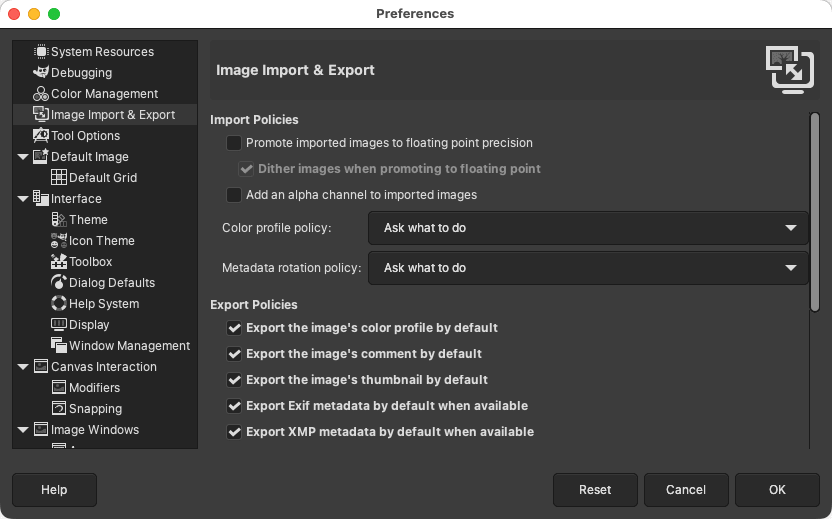
If you retouch photos, the software is more than capable. Features like blemish removal, background replacement, color correction, and exposure adjustments are all available through powerful manual tools. It supports a wide range of file formats, including PNG, JPEG, TIFF, and Photoshop's native PSD format.Filters, scripts, and extensibility
One area where GIMP stands out is its extensibility. It supports a large library of community-built plugins and scripts that you can easily install and run as needed. One of the most popular plugin collections is G'MIC, which adds hundreds of additional filters and image processing tools.
Automation scripts like Script-Fu and Python-Fu allow users to automate repetitive tasks and batch-process images, which is a fantastic feature for a free app.Interface and macOS experience
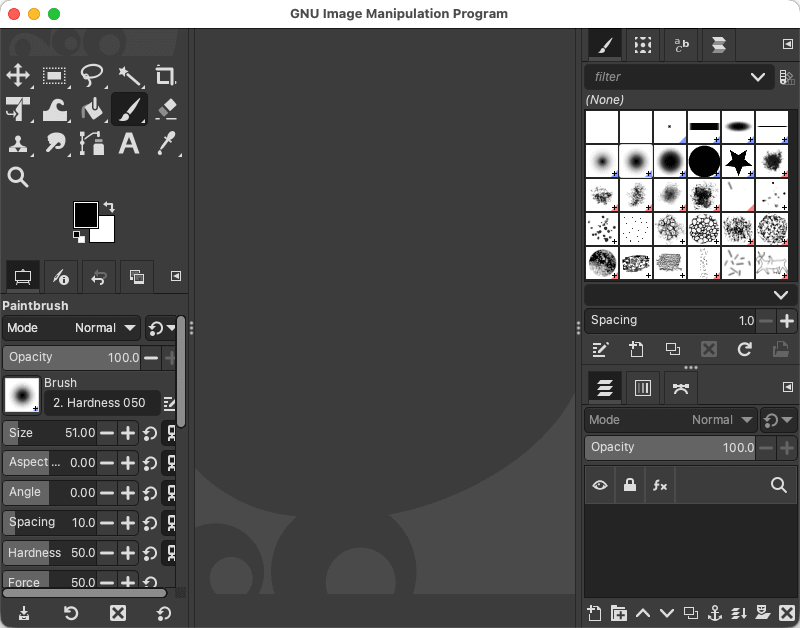
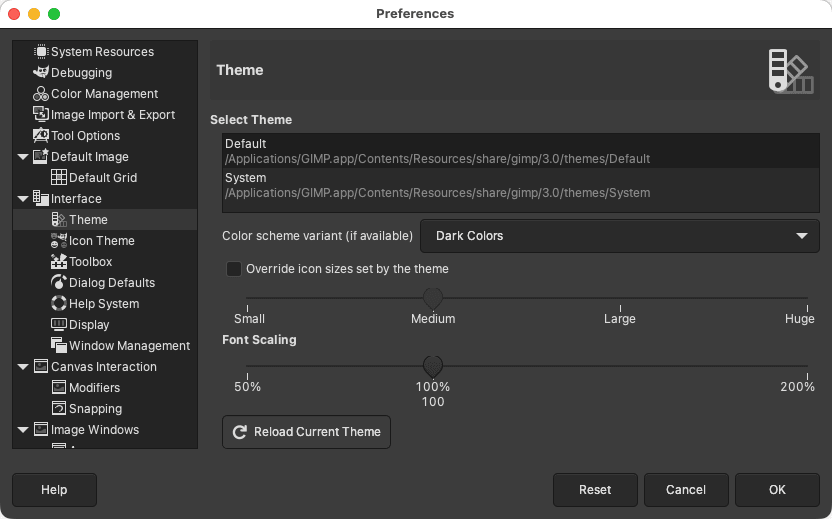
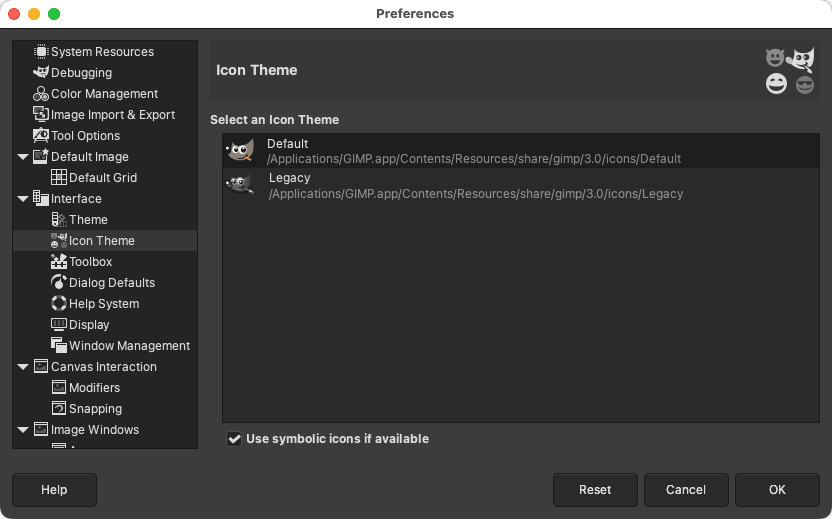
The interface for GIMP on macOS prioritizes utility over modern aesthetics. It does not look like a native Mac application, as it relies on the GTK toolkit rather than native macOS design frameworks.
Because of this, the layout can feel unconventional and dense. Expect a brief learning curve before you can navigate the workspace efficiently.Powerful and free, but it demands patience
GIMP is a completely free tool that requires no subscription, no paid tiers, and has no feature restrictions. The community is brilliant, and for users willing to invest the time in learning the workflow, it is a genuinely impressive image editing utility.
Those who need a more refined experience may find paid alternatives like Affinity Photo worth the one-time cost. But for capable, no-cost image editing on Mac, it remains the clear first choice.